
PayPal joins Capydocs checkout
PayPal is now a first-class way to buy Capydocs. You can keep paying with your card through Stripe, or switch to PayPal whenever it is more convenient.
Why this matters:
- More flexibility: pick between Stripe card payments or PayPal for each purchase.
- Faster checkout: reuse your saved PayPal details without retyping card info.
- Familiar security: complete the purchase inside PayPal with your preferred protections.
Here is what the new checkout looks like with both options side by side:
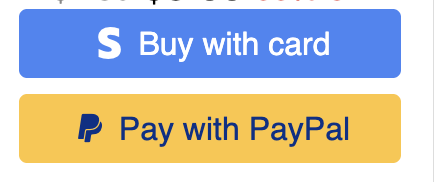
Getting started is simple. Choose your Capydocs plan, click Pay with PayPal during checkout, sign in to your account, and confirm the purchase. If you prefer cards, the Stripe-powered Buy with card button is still right there. Either way, you get instant access to Capydocs after payment.
You can buy the full product or the features you need as always here: